
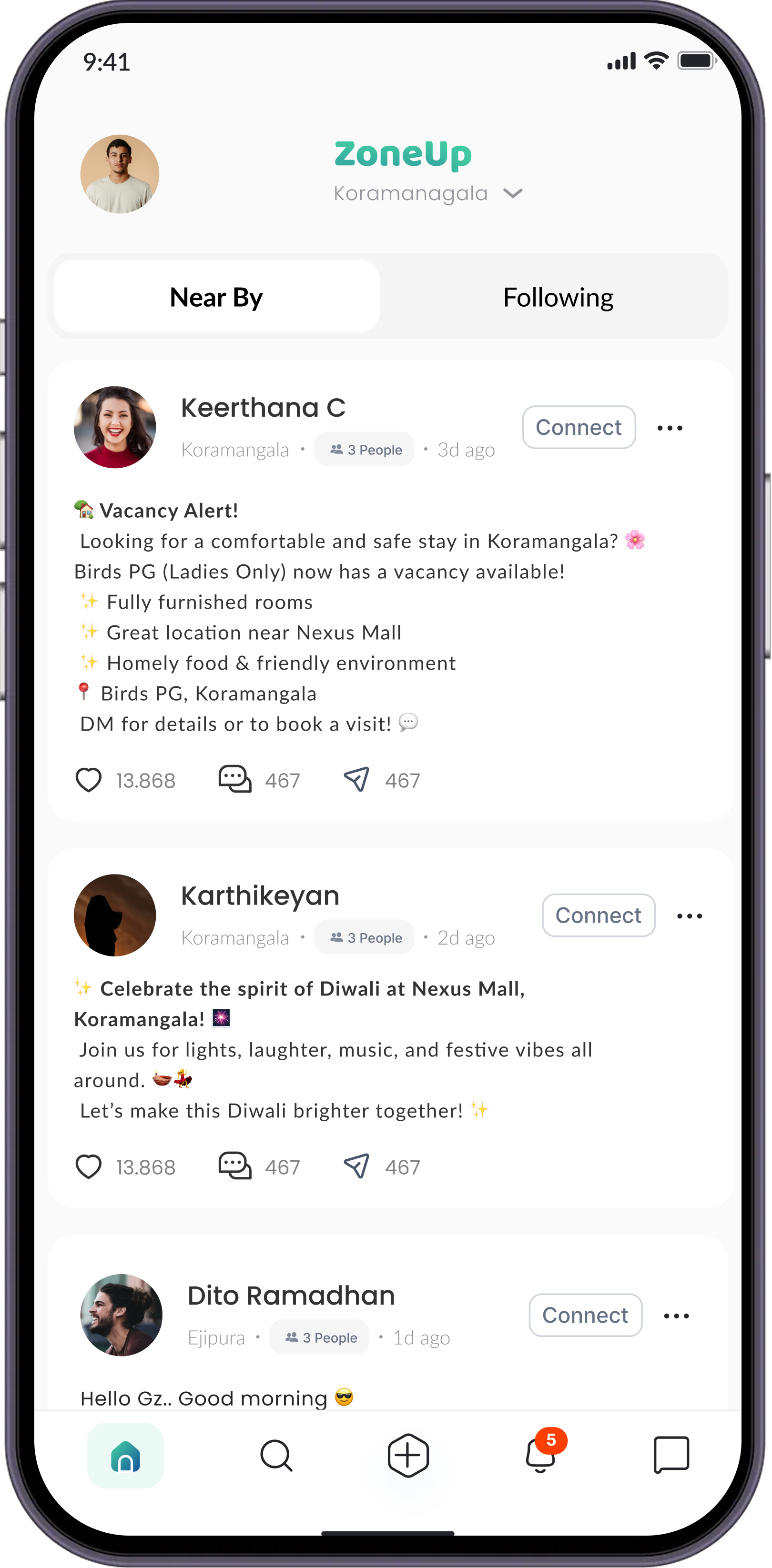
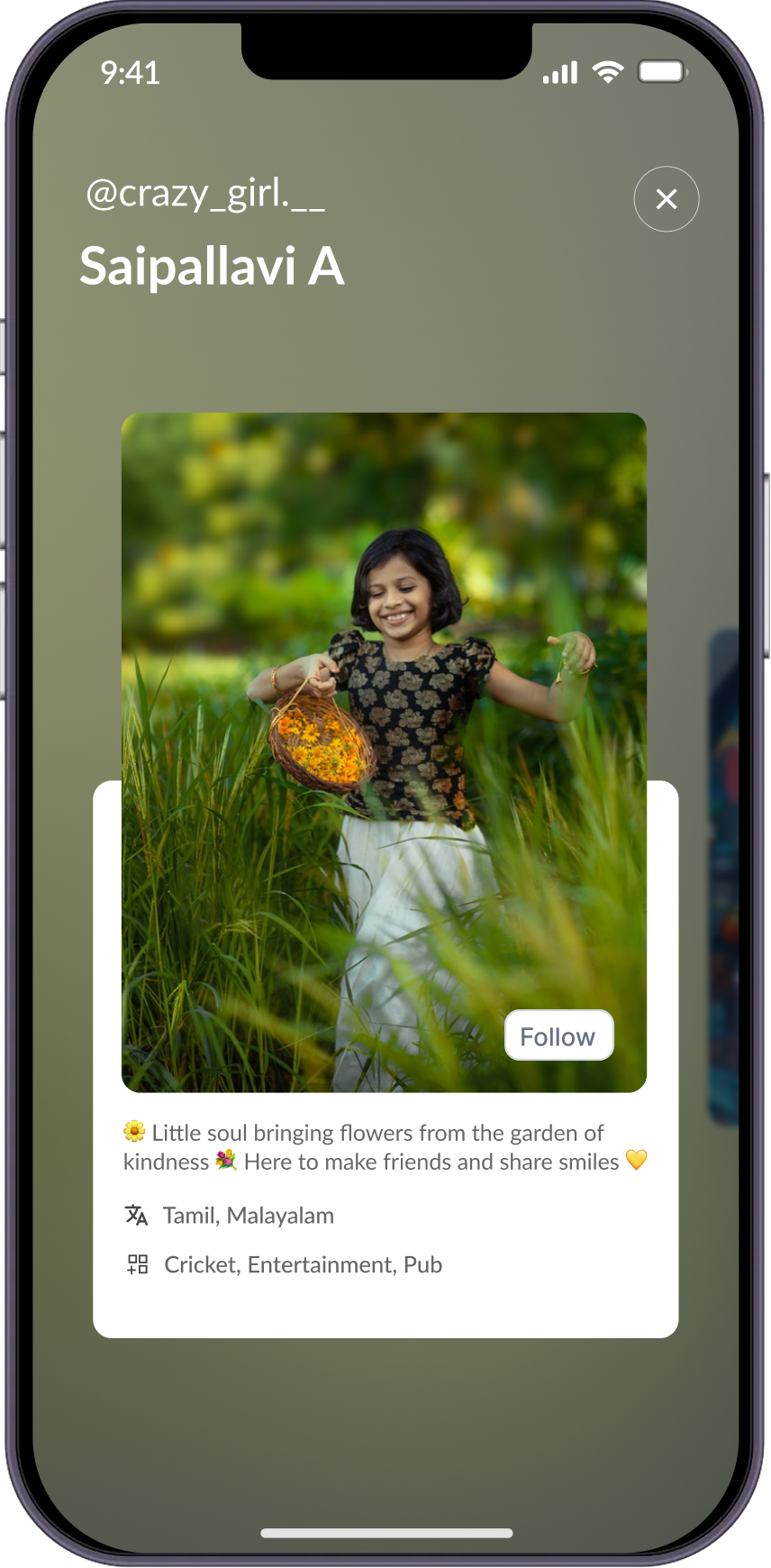
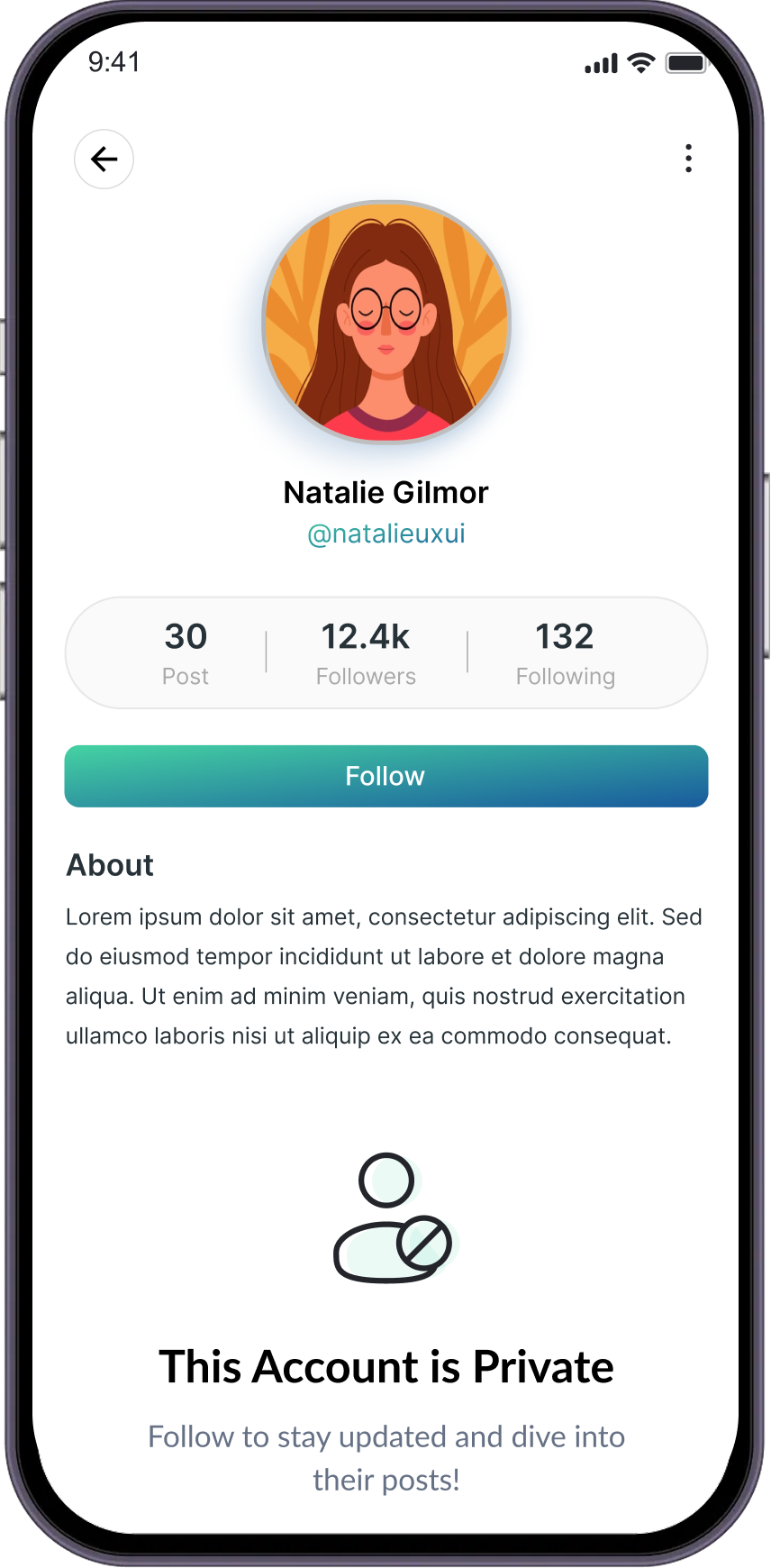
This social app helps you build connections wherever you are, or from any location you choose. Use it for planning gatherings, organizing events, forming gaming squads, or connecting with local services like plumbers and electricians. Whether you're planning a weekend outing, a function, or just sharing great places to eat, this app makes it easy to connect, organize, and get things done!



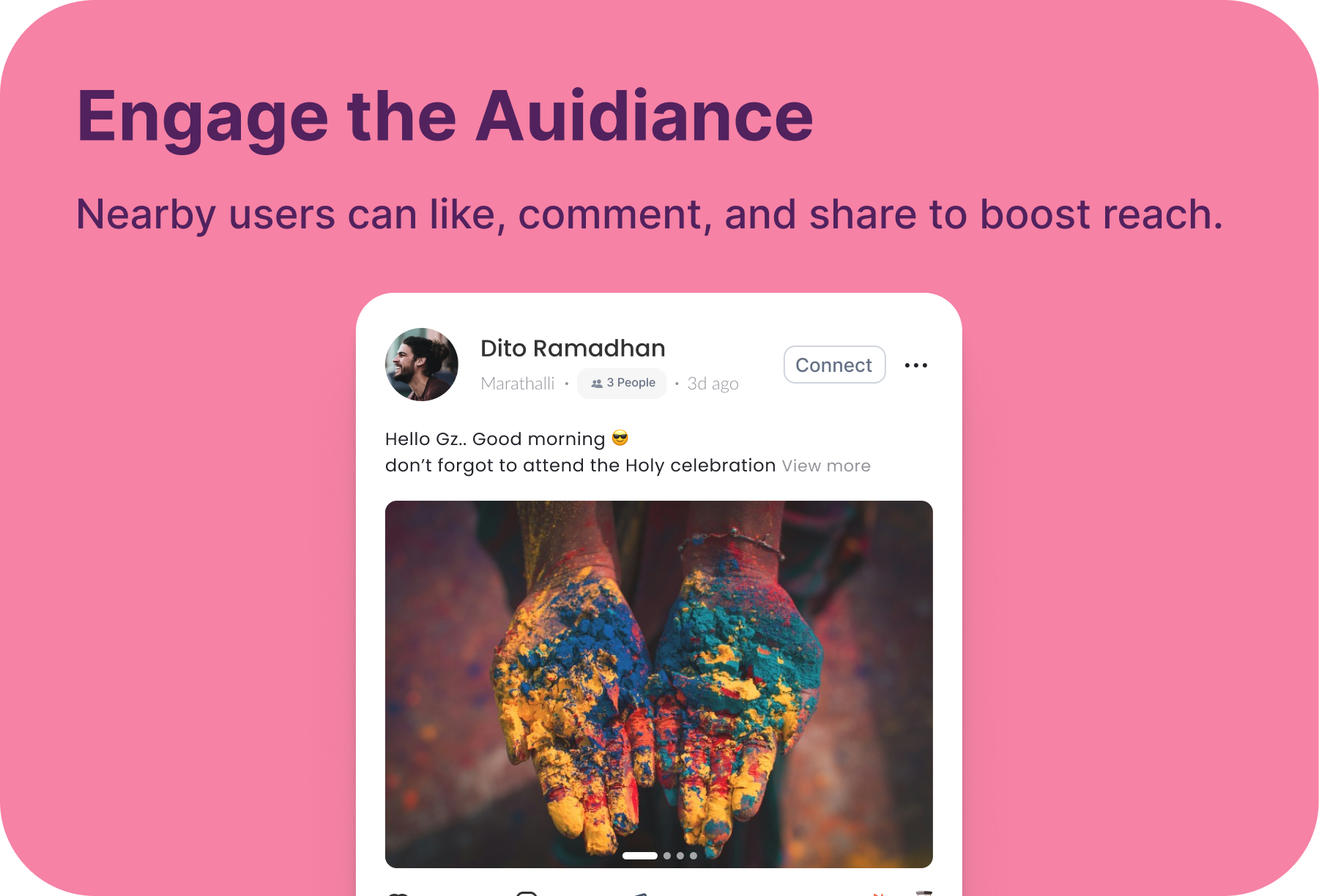
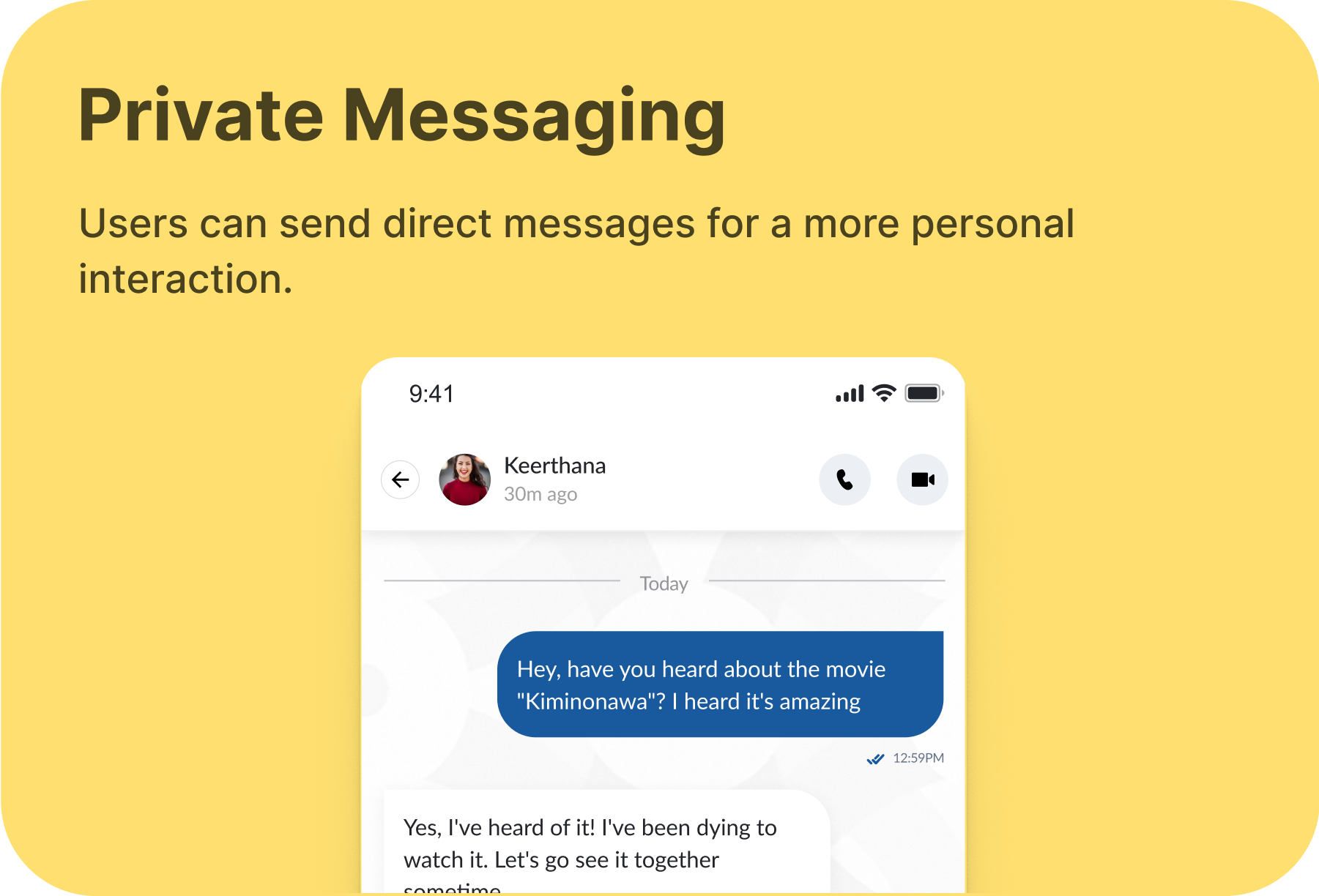
Share and discover posts with your local community in real-time.
Stay updated instantly with local happenings as they unfold.

Share posts that automatically disappear after a short time.
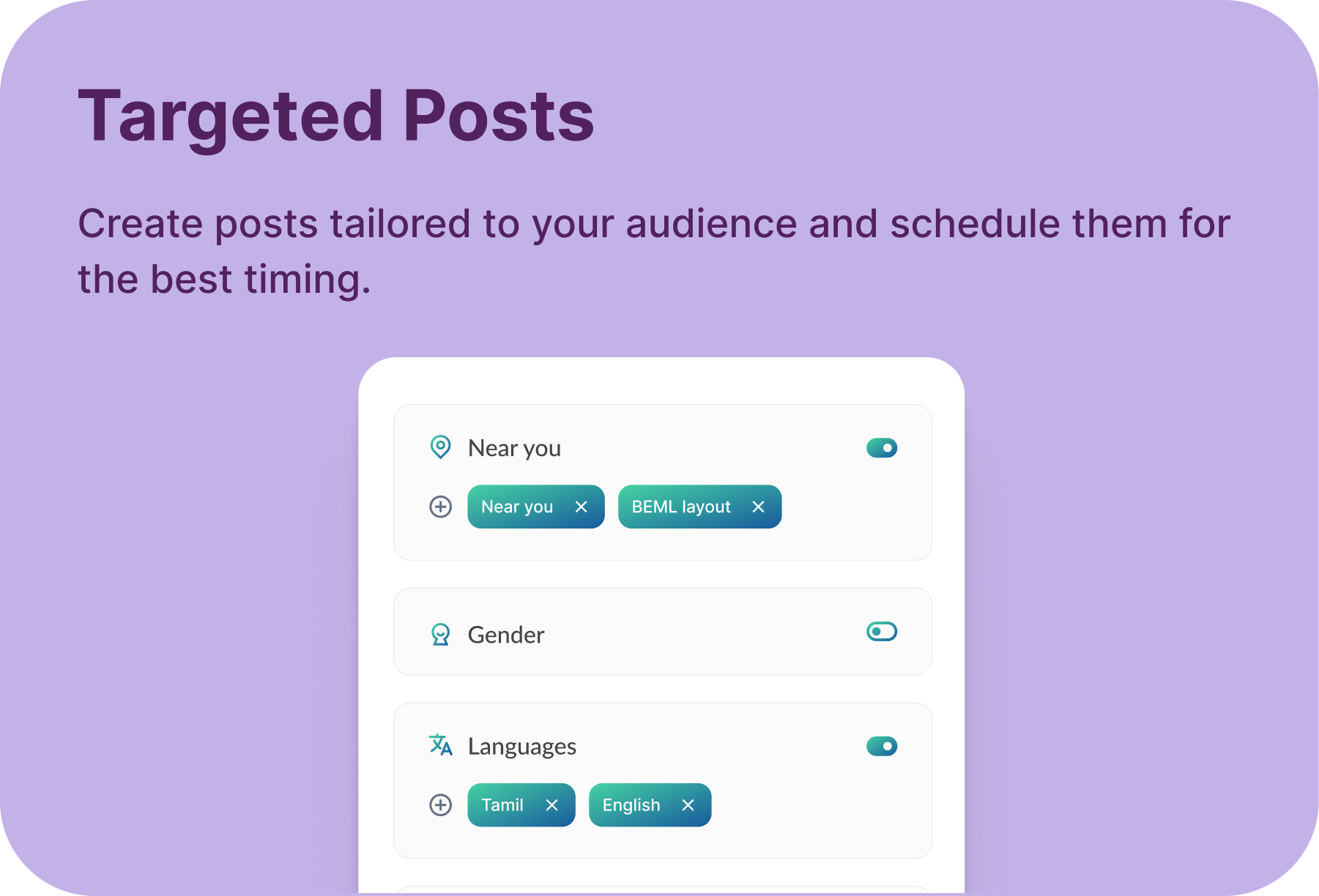
Tailor your feed based on your interests and local trends.
Your privacy and safety are always our top priorities.
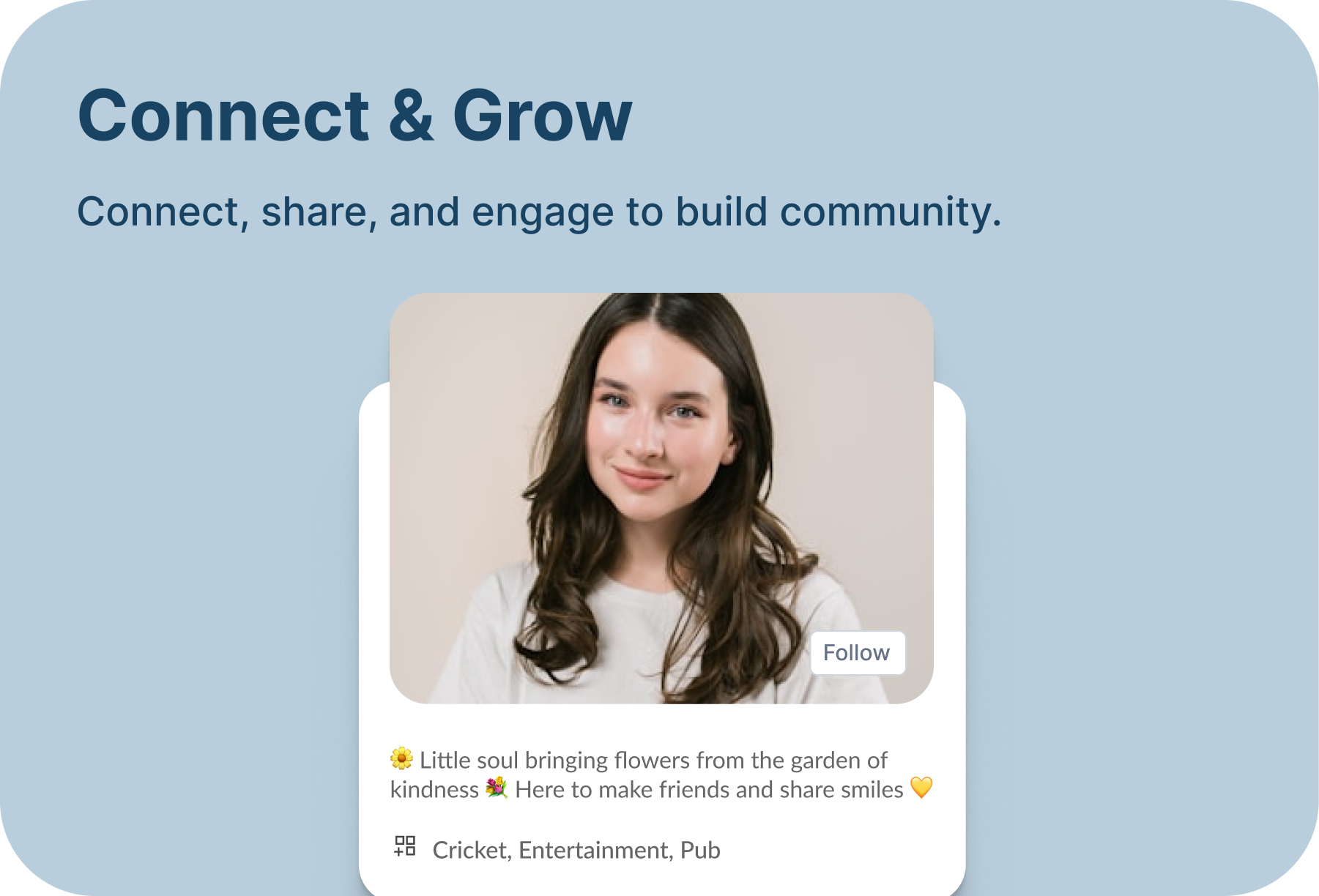
Build real connections instantly with your nearby community.
No, gender-specific content is only shown to users matching that gender. It won’t be visible to users of other genders or those who select 'Prefer Not to Say.' Once you select your gender during onboarding, it cannot be changed. Users who choose 'Prefer Not to Say' won’t see any gender-specific posts but can update their gender later in the settings page.
No, language and interest-based posts are shown to all users but are prioritized at the top of their feeds if they match their preferences. Gender-specific posts, however, are only visible to users of the matching gender.
Burn posts are time-sensitive and expire after a set period. They’re perfect for limited-time offers, sales, or short-term updates. Once the timer runs out, the post disappears automatically.
Click on the location name on the feed page, right below the zoneup. Select any location to explore what’s
No, the location you select acts as an anchor for your feed. Once posts from your selected location are done, you’ll see posts from nearby locations. You may even see posts from other locations at the top if they match your interests and language preferences.
No, you can’t. To maintain post credibility, you’re allowed to post in only one location at a time.